A Voice Assistant That Never Leaves My House
I'm building a voice assistant for my family that runs entirely inside the house. No cloud, no subscription, and nothing we say goes out the front door. Here's why, what "local" actually means, and the parts I'm using. First in a series.
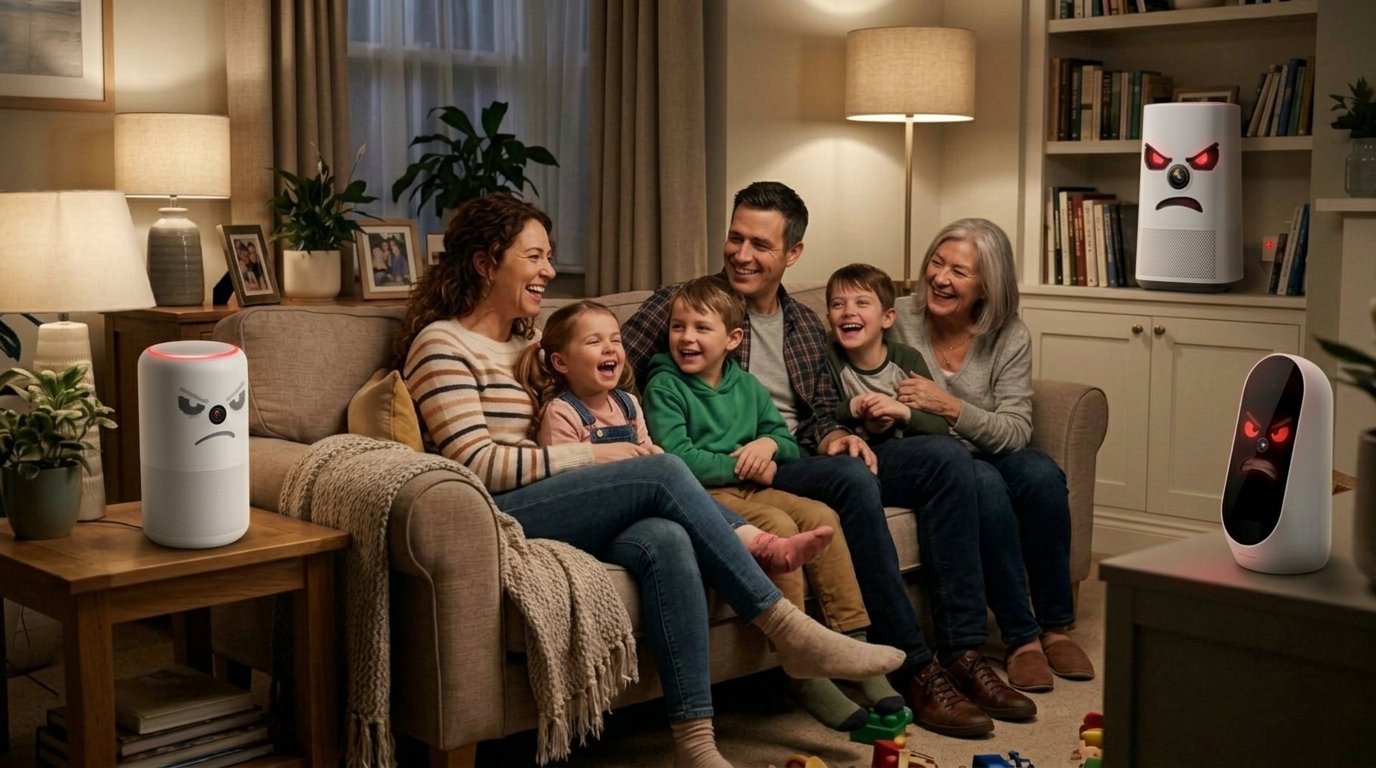
The person in my house who uses the voice assistant the most is 7 years old, and what he wants from it is a story. Pro wrestling matches, dinosaurs, Hot Wheels races, anything he can act out with his toys while he helps build the story. He asks the speaker in his room, and a calm voice builds a story with him that nobody has ever heard before.
That request never leaves the house. Not the recording of his voice, not the words, not the story. The speaker hears him, a computer in my garage turns his voice into text, a language model running on that same computer writes the story, and another program reads it back to him. No cloud service is involved at any step.
Getting there took about five weeks, a lot of testing and a second computer. This is the first post in a series about how I built it, what worked, and the parts that still don't.
Why I wanted it local
I write a lot about smart home products that stop working when the company behind them shuts down a server, or decides a feature you already paid for should now be a subscription. I've watched it happen to plenty of people. A voice assistant is the worst version of that problem, because it isn't a light switch. It's a microphone in every room that my family talks to.
It always happens - somebody points out that they searched for a sofa and then saw furniture ads on Facebook for weeks. Big Brother is listening and making money off the most intimate details of your family life. With voice assistants, that isn't a guess. In 2022, university researchers found that Amazon uses what people say to Alexa to work out their interests and target ads, on Echo devices and across the web, and that those voice interactions pushed advertisers' bids as much as 30 times higher. Amazon confirmed to The Verge that it uses Alexa voice data to inform the ads it shows. And in March 2025, Amazon ended the option that let some Echo owners keep their voice requests on the device. Every spoken request now goes to Amazon's cloud.
That's not the worst of it, though.
Millions of people around us live with health and mobility challenges or are seniors trying their best to continue living in their homes. They rely on cloud-dependent voice assistants to do small tasks that make their life easier.
Case in point - my wife's parents are in their mid-to-late 80s. My father-in-law uses a walker while my mother-in-law recently had a knee replacement. They have an aide at their home for a good part of the day. They use Alexa heavily to toggle lights - especially floor lamps behind furniture - to set timers, to have reminders for medicine. All very valid use cases and ones that make it easier for seniors or people with health challenges to live independently.
Recently, there was an Internet outage. Suddenly, my in-laws were stuck trying to remember which app might turn lights on, reminding each other every 5 minutes about upcoming meds or other details, and reminding me why I should be ashamed of myself for letting them build their lives around a clear violation of my number one smart home rule: keep it private and local.
I need a local voice assistant for them, just something simple that can handle lights, timers, and reminders. They're not going to give up Alexa - they're in love - and that's their right and their choice. But I can make sure that there is always a fallback. That's their need.
For my own home, it needs to be more capable and it will be. Then I will take the lessons I learned (plus the computer I started my experiment with, already set up and ready to roll at their house) and make sure they have a working failsafe for when their friend fails them.
So the rules for this project were simple. No cloud. No subscriptions. Nothing my family says leaves the building.
Easy to write down. Every piece of the system has to follow them, and that's where it gets interesting.
What "local" actually means
When you talk to a voice assistant, five separate things happen. Most commercial assistants do the first one on the device and send the rest to the cloud. I wanted all five inside my house.
- The wake word. The speaker listens for one phrase, like "Okay Nabu" or "Hey Jarvis", and ignores everything else. This runs on the speaker itself, using a small model that only knows how to recognize that phrase. Until it hears it, the speaker doesn't send anything to the rest of the system.
- Speech-to-text. Once it wakes up, the speaker sends the audio of your request to a program that turns speech into written text. I use Whisper, a speech recognition model from OpenAI, running on a Mac mini in the house through a project called wyoming-mlx-whisper. The model is whisper-large-v3-turbo. Wyoming is the protocol Home Assistant uses to talk to voice services like this one.
- Understanding the request. The text goes to a language model, the same kind of AI that runs chatbots, just a much smaller one that fits on a computer at home. Mine runs in Ollama, an app for running these models on your own hardware. The model decides what you meant: turn on a light, answer a question, or tell a story. Ollama has some cloud features of its own, and I switched them off.
- Doing it. If the request is about the house, Home Assistant carries it out. Home Assistant is the open-source smart home platform that already runs everything else here. It's also the hub of the voice system: it knows which speaker you talked to, sends the audio where it needs to go, and keeps track of the conversation.
- The voice. The answer is turned back into speech by Piper, a text-to-speech program that also runs on the Mac mini. I use the en_US-lessac-high voice, slowed down a little, with a pause between sentences.
Every one of those steps happens on hardware I own, on my own network.
The parts
As of November 2026, here's what's running.
Home Assistant runs on a Home Assistant Yellow, a small computer made for it. I plan to move it to a Linux mini PC I have lying around very soon, for reasons that will come up later in the series.
The voice computer is a Mac mini with an M5 Pro chip and 48 GB of memory. It runs Ollama, Whisper and Piper. It replaced a 16 GB Mac mini with an M4 chip, which was the first version of this project. That first version worked, slowly. The next post is about it.
The language model is Qwen3.6 35B-A3B from Alibaba's Qwen team, in a compressed 4-bit version. I tested a lot of models to get there, and that bake-off gets its own post.
The speakers are a mix:
Home Assistant Voice Preview Edition, the voice speaker made by Nabu Casa for Home Assistant.
FutureProofHomes Satellite1, a voice satellite (a speaker and microphones that hand everything off to Home Assistant).
Second-generation Amazon Echo Dots, the 2016 ones, running EchoMuse. EchoMuse replaces Amazon's software so the Dot becomes a Home Assistant voice satellite with no Amazon account and no Alexa. That one gets a post too.
I also tried ESP32-S3-Box-3 devices early on. They're out of the system now.
Where it stands
Here's the honest status as of November 19, 2026.
Done. Every voice assistant in the house runs on the new Mac mini, with nothing sent to a cloud service. One assistant handles everything, from "turn off the kitchen lights" to bedtime stories, and it remembers the last 20 exchanges of a conversation. Simple commands went from about 2.7 seconds on the old Mac mini to about 1 second on the new one, and conversations are reliable enough that my son uses it every night.
In progress. A one-week trial of the new Mac mini, with the old one kept untouched as a fallback until about November 24.
Not done. The wake word. The stock "Hey Jarvis" model on the Voice Preview Edition and Satellite1 hears me every time and hears my son almost never. "Okay Nabu" hears both of us, so for now that's what he says. It turns out the computer was the easy part. The hardest remaining problem is a small model on the speaker deciding whether a 7-year-old said two words.
Also not done: a battery backup and automatic login for the Mac mini, moving Home Assistant to the Linux mini PC, and a long list of things I'd like it to do someday.
What's coming in this series
This post.
Version one: a small model on a 16 GB Mac mini, and why it was slow.
Old Echo Dots, new job: turning second-generation Echo Dots into local voice speakers with EchoMuse.
Choosing the hardware, and why memory matters more than almost anything else.
The bake-off: how one model won, and why typed tests weren't enough.
Five small fixes that made the model reliable.
Cutover night: moving a family's voice assistant to a new computer without re-pairing a single speaker.
The wake word that can't hear a 7-year-old.
Uptime at home: power cuts, drive encryption and a battery backup.
What's next.
The last three depend on work I haven't finished yet. I'll write them when I have results, not before.
Next up is the first version, and why most of the slowness wasn't the hardware.