Version One: A Small Language Model on a 16 GB Mac mini
The first version of my local voice assistant ran a 4-billion-parameter model on a 16 GB Mac mini. Simple commands took about 2.7 seconds, and sometimes a reply took 20. Some of that wasn't the hardware's fault.
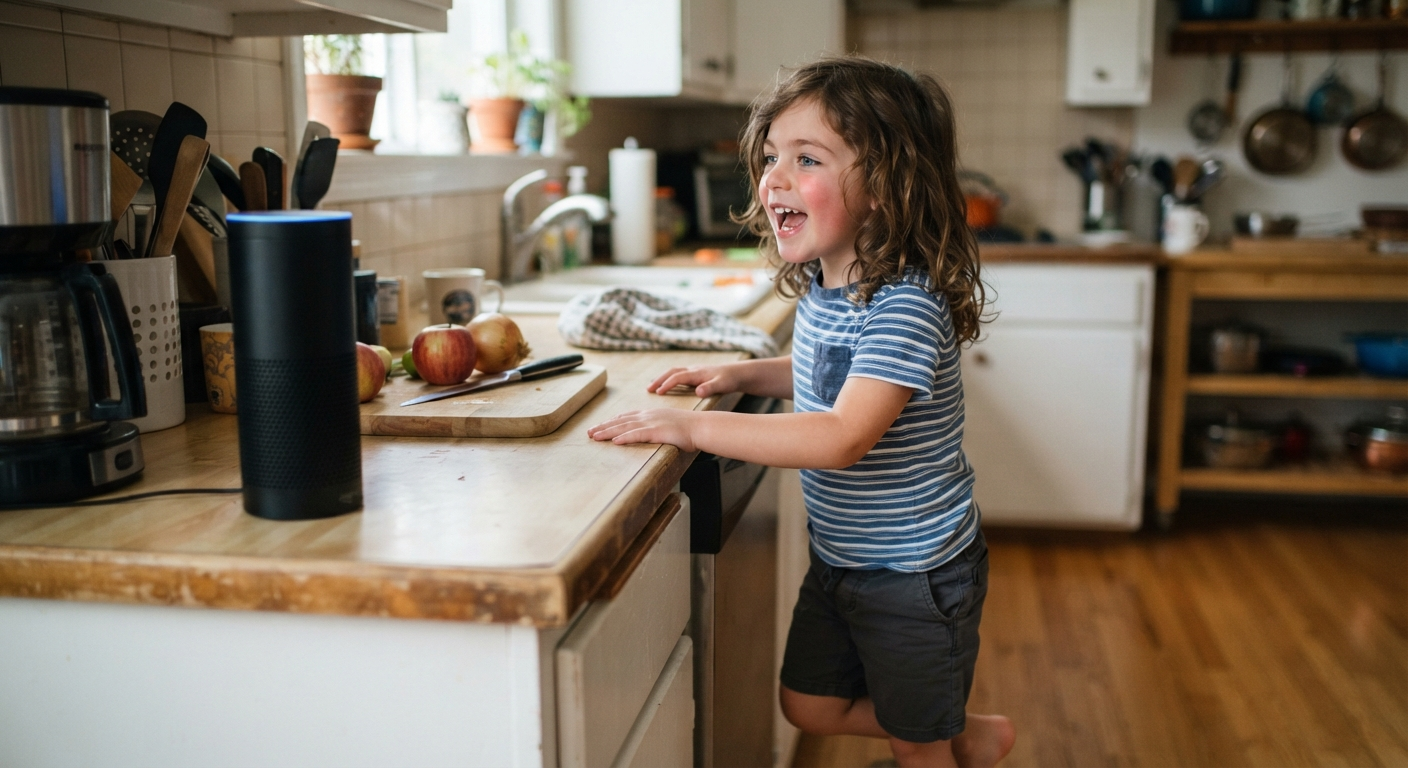
Twenty seconds is a long time to wait for a voice assistant to answer.
That was the worst case on the first version of mine. Most of the time it was much better than that, about 2.7 seconds for a simple command. But when the model had to start cold, a reply took about 20 seconds. Oof.
This is the second post in a series about building a voice assistant that never leaves my house. The first post covers why I'm doing it and how the pieces fit together. This one is about version one: what I built in October, what was slow, and the thing I learned about why.
The first build
I put the first version together in mid-October 2026. All of it ran on hardware I already had or could get quickly.
- Home Assistant on a Home Assistant Yellow. It already ran the rest of the house.
- A Mac mini with an M4 chip and 16 GB of memory, running three things: Ollama with a 4-billion-parameter language model (Qwen3-4B Instruct), Whisper for speech-to-text and Piper for the voice.
- Voice speakers: a Home Assistant Voice Preview Edition, ESP32-S3-Box-3 devices, and second-generation Echo Dots unlocked with the EchoMuse project.
A quick word on "4-billion-parameter". A language model is basically a very large set of numbers, called parameters, that it uses to predict what comes next. More parameters usually means a smarter model, and it always means more memory. Four billion is small. It's about what fits comfortably in 16 GB alongside everything else a Mac has to run.
Why I use Home Assistant
My home automation isn't actually based on Home Assistant. I know the ins and outs of Shelly products thanks to my day job. All of my automations run on a device or coordinate between two devices. Whenever possible, I use Bluetooth sensors and controllers to trigger actions on my Wi-Fi connected Shelly devices.
Why?
Because it is local and direct from one device to another. If the Internet is gone tomorrow, fine. If my Wi-Fi network crashes, no sweat. Home Assistant's host crashes? Not a problem. As long as there's power, everything still works. If power goes down, there's nothing to automate, anyway.
I'm in the process of adding scripts to have all of my Wi-Fi devices broadcast as BTHome devices (BTHome is an open standard for sending sensor data over Bluetooth), so I won't even need to rely on Wi-Fi between two connected devices. In my opinion, this is the most powerful smart home feature of any product in the world.
My grandpa used to say "that's as slick as a soap maker's ass," and this is! So why do I even use Home Assistant? The data. Everything is about the data.
Here's the point - a smart home isn't about telling a voice assistant to turn on a light. A smart home is about the data - how are the systems in your home really used? It is about analytics - what problems can I see or avoid? What automations can make life easier or fix pain points? What assumptions have I made that failed to pay off?
Home Assistant keeps a history of everything that happens in the house: every light, every sensor reading, every command. By default that lives on the Home Assistant computer itself. I moved it to a PostgreSQL database on my NAS, added Grafana for charts, and set up nightly backups and a weekly health check.
None of that makes the voice assistant faster. It means that when I'm changing things constantly, I'm not doing it on a system that can lose its own history.
Where the time went
Here's what version one measured, from the baseline I recorded on the old Mac mini before switching:
- Simple commands, like turning on a light: about 2.7 seconds
- A reply after the model had been unloaded: about 20 seconds
2.7 seconds is usable. Not great, and you notice it.
The 20 seconds was the real problem, and it took a while to understand. It wasn't the Mac mini thinking hard. It was the Mac mini loading the model.
A language model has to be loaded into memory before it can answer anything. Ollama, by default, unloads a model that hasn't been used for a while, to give the memory back. Then the next request has to load it again from the drive before it can even start. That reload was where most of the 20 seconds went.
And there was a second way to trigger it. A model runs with a "context size", the amount of conversation it can hold in its head at once. If one part of the system asked for one context size and another part asked for a different one, Ollama would reload the model to match. So the system was occasionally throwing away a perfectly good loaded model and starting over, just because two settings didn't agree.
Two fixes:
- Keep the model loaded all the time, so it's never unloaded between requests.
- Use one context size everywhere, so nothing triggers a reload.
I applied both fixes to the old Mac mini, and simple commands dropped from 2.7 to 2.5 seconds. No more 20-second waits. I considered it a victory, though a short-lived one. On the new computer, those same two changes mattered as much as the new chip did. That's the lesson I'd want anyone starting this to hear first. Before you buy hardware, find out whether your assistant is slow because it's thinking or because it's loading.
Building it with Claude
The first version took me weeks to build on my own with trial and error. Late in the process, I decided to use Claude, since it's helped with so many processes at the office. When I decided to gut it and start over for the final try on the M4/16GB Mac mini, I built it with Claude, and I set some ground rules that I'd recommend to anyone doing the same:
- Claude never types a password. When something needs one, I type it.
- Claude never changes the network.
- Every change gets logged, along with how to undo it.
- One change at a time.
When something broke, the log showed exactly what changed and when. It's also where the numbers in this series come from. They're from the records, not from memory.
Two other habits helped. At the end of each session we wrote a handoff document, so the next session started from what was actually true and not from whatever either of us remembered. And I set up a separate test assistant in Home Assistant, so experiments never reached my family.
I owe Anthropic a tip of the hat. I spent 15 years as a QA manager. During my years as a back end developer, I wasn't a world class programmer, far from it... but my prior experience shaped my habits and I tested as I coded. If I said something worked, it worked, because I'd stopped to test every change along the way.
Claude made it easy for me to do exactly the same. By combining my manual testing with Claude's automated, I blew through the project. Spoiler alert: In fact, when I switched to the new Mac mini, we went through 8 models - and most of the testing was done on a rainy Tuesday night when I had to rush out the door to take my son to a basketball tryout. I defined the parameters, ran through the initial baseline test on the M4 and Claude repeated my tests on the big boy.
Why I moved on
My son is the main consumer of voice in my home. While listening to my wife argue with a voice assistant that doesn't act the way she thinks it should is very entertaining, she is better served by automations that anticipate her behavior. The feral 7-year-old running around under eye level is a different story. He doesn't know what a voice assistant can't do, so he rapidly learns what is possible - and what is entertaining.
His enjoyment and delight in cooperative story telling, in interactive play is priceless. He's the reason I still put up with intrusive voice assistants in my home at all. If I weren't taking something joyful from my son, the voice assistants would have gone in a box as soon as I returned to the office after COVID. I can't bring myself to take away the interactive conversation he enjoys so much.
Interactive conversation needs a larger model.
A bigger model needs more memory, and on a Mac mini the memory can't be upgraded later. So I started looking for a new computer. I ordered a Mac mini with an M6 chip and 32 GB, then cancelled it when the ship date slipped by 90 days. I ended up with a Mac mini M5 Pro with 48 GB of memory. How I got to that choice gets its own post later in the series.
The short version of version one: everything stayed in the house, and most of what made it slow could be fixed without new hardware. The model just needed more room.